Blur or redact a screenshot
Cover names, numbers and messages before you share a screenshot. Solid black bar by default, because text is the easiest thing to un-blur.
💜 Donate $5+ and we'll turn off all ads for a year 💜 Ad-free supporter mode — thank you!
ℹ️ Ads keep Pixelateme free — quick tips to get the most out of the site
Pixelateme has no paywall and no account system. The ads you see are what pay for the servers, so everything stays free with no sign-up. A few tips so they never get in your way:
- A sponsor tab or popup may open the first time you click or tap. Just close it and come back — your image is untouched, since everything happens right in your browser.
- The real controls are the ones in the editor above. Anything labeled “sponsored” is an ad, and no feature here ever requires clicking one.
- On ad pages, stay safe: if one claims “your download is ready”, asks you to install software, or requests personal details — just close it. Your finished image saves directly from this page (nothing is ever uploaded), and we never ask for personal info.
- Prefer no ads at all? Donate $5+ and ads switch off for a full year.
Drop an image or video
or browse files · max 15MB
LIVE PREVIEW
Drop a photo of people
or browse files · stays on your device
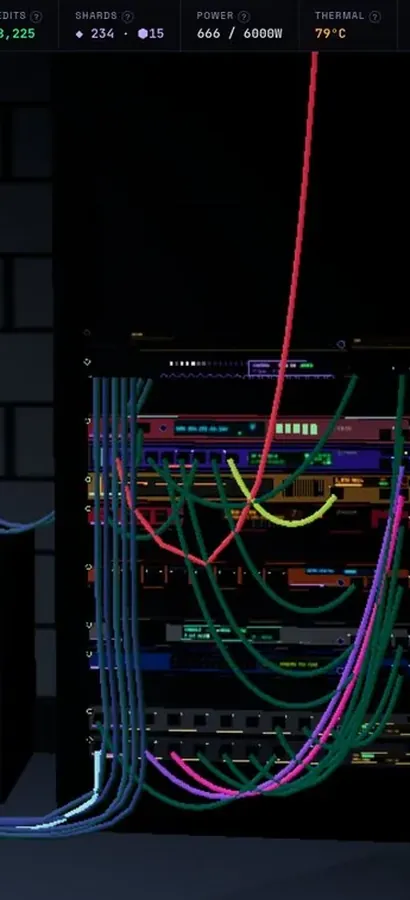
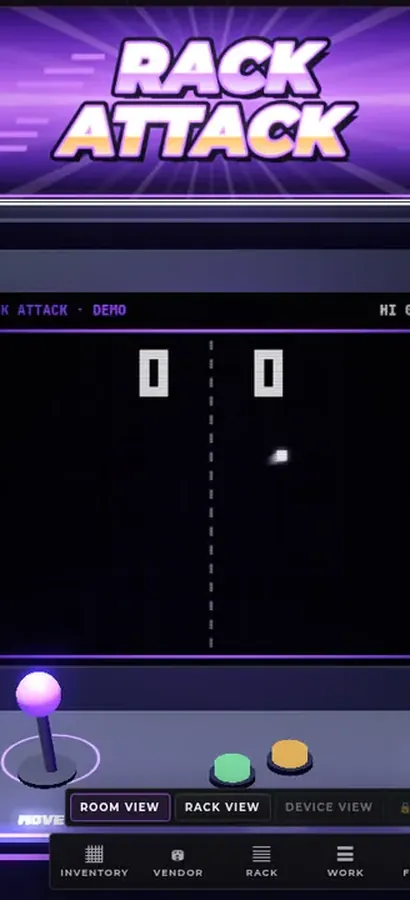
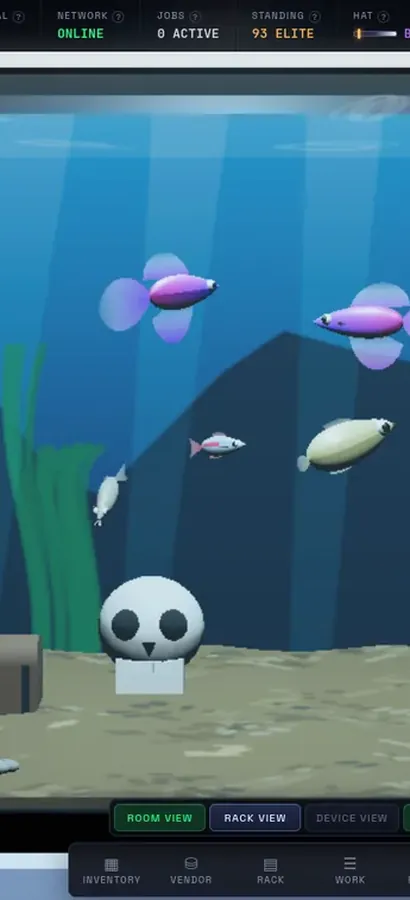
Now in 3D.
Silicon Pirates is a free server-rack simulator you play in your browser, and your lab is a 3D room now. Rack the hardware, run the cables, bring your network online, open every machine at the workbench, mine crypto and keep it all running. Nothing to install.
operator@rack-01:~$ rack status --all ▶ Play Silicon Pirates freeDesktop & mobile · free accountOur own game, not a sponsored ad. What is Silicon Pirates? →
How it works
Upload
Drop in a photo or video — it never leaves your browser.
Pixel Art or Hide Faces
Make retro pixel art, or pixelate faces for privacy.
Tune it
Set pixel size & palette, or auto-detect / draw over faces.
Download
Save your result as PNG (or animated GIF for video).
Why Pixelateme
100% private
Everything runs on your device — no uploads, no accounts.
Hide faces fast
Auto-detect faces or draw boxes to pixelate people & objects.
Retro palettes
Gameboy, NES & CGA looks with optional dithering.
Video → pixel GIF
Turn clips into animated pixel art with adjustable FPS.
Hide anything in a screenshot in seconds
- Upload the screenshot above (PNG or JPG, from phone or computer). It stays in your browser.
- Drag a box over each name, number, profile picture or message you want gone.
- Download the cleaned PNG and share that instead of the original.
This page starts on Black bar, and that's deliberate.
Why black bars beat blur for text
Screenshots are full of text, and text is the one thing blur and pixelation protect badly. Fonts are predictable: researchers and hobbyists have shown that pixelated or lightly blurred text can often be recovered by rendering candidate words in the same font and size, pixelating them the same way, and seeing which one matches. A solid bar leaves nothing to match. Use Black bar for names, phone numbers, emails, addresses, account and order numbers, and anything in a chat bubble. Pixelate or blur is fine for profile pictures and photos inside the screenshot. More detail: can you unpixelate an image?
What to hide before you share
- Chats: the other person's name and photo at the top, phone numbers, group names, and any names mentioned in messages.
- Emails: addresses in To, From and CC, signatures with phone numbers, and links containing personal tokens.
- Banking and orders: account, card and order numbers, balances and addresses.
- Phone status bar: carrier, time and battery are harmless, but notifications at the top can leak names and message previews.
- Browser screenshots: the address bar and bookmarks, open tabs, and your account avatar.
Two mistakes that undo the redaction
- Drawing over it in a markup tool with a semi-transparent highlighter. Boost the brightness and the text reappears. Pixelateme's black bar is fully opaque and burned into the exported pixels.
- Sharing the original by accident. Download the redacted version, check it, and attach that file.
Hiding faces in a screenshot of a photo? Auto-detect faces does it in one click.
Frequently asked questions
How do I blur part of a screenshot?
Upload the screenshot above, drag a box over each part you want hidden, choose Black bar, Pixelate or Blur, and download the PNG.
Is blurring text in a screenshot safe?
Not reliably. Pixelated or lightly blurred text can sometimes be recovered because fonts are predictable. Use the solid black bar for names, numbers and messages.
How do I hide a name in a screenshot on iPhone?
Open this page in Safari, upload the screenshot from Photos, drag a box over the name with your finger, keep Black bar selected, and save the result. Avoid the semi-transparent highlighter in the iOS markup tool.
Is my screenshot uploaded?
No. Everything happens in your browser, which matters when the screenshot contains private messages.
Can someone remove a black bar?
Not from the exported PNG. The bar replaces those pixels, so there is nothing underneath. Just make sure you share the exported file, not the original.
Is it free?
Yes. Free, no account, no watermark.
People also ask
Can pixelated text or a licence plate be read back?
Often, yes — which is why it should never be pixelated in the first place. Text is drawn from a small alphabet in a predictable font, so a pixelated block can be compared against every candidate string rendered the same way until one matches. Public tools that do exactly this to screenshots have existed since 2020. Blur has the same weakness. Use Black bar for anything made of characters, and pixelation only for faces, bodies and scenery.
Can a pixelated image be un-pixelated or reversed?
Not in the sense people usually mean. Pixelation throws the original pixels away, so there is nothing left to restore. What the “unpixelate with AI” tools do is generate a plausible-looking face or texture that would pixelate down to the same blocks — an invention, not a recovery. A widely reported 2020 face-upscaling demo made the point badly and publicly when it turned a pixelated photo of a well-known Black politician into a white man. Treat their output as a guess, never as evidence of what was underneath.
Do free online pixelate tools upload and keep my photos?
Most of them do — they receive your file, process it on their servers and hand back a link, which means a copy exists on someone else’s machine, usually under terms that let them retain it. That is a poor trade when the reason you are pixelating is that the image shows something private. Pixelateme is built the other way round: the work is done by your own browser with the Canvas API, so nothing is transmitted. If you want to prove it, load this page, switch off your network, and it still works.
Is there a catch — a watermark, a sign-up, or a paid tier?
No. Every feature is free, there is no account, nothing is watermarked, and there is no resolution or export limit beyond the 15 MB input cap. The site is paid for by the ads you see, and a $5 donation turns those off for a year. That is the entire business model.