Pixel me
Drop in a selfie and turn yourself into a retro pixel-art avatar — Game Boy, NES or full colour. Free, instant, and your photo never leaves your browser.
💜 Donate $5+ and we'll turn off all ads for a year 💜 Ad-free supporter mode — thank you!
ℹ️ Ads keep Pixelateme free — quick tips to get the most out of the site
Pixelateme has no paywall and no account system. The ads you see are what pay for the servers, so everything stays free with no sign-up. A few tips so they never get in your way:
- A sponsor tab or popup may open the first time you click or tap. Just close it and come back — your image is untouched, since everything happens right in your browser.
- The real controls are the ones in the editor above. Anything labeled “sponsored” is an ad, and no feature here ever requires clicking one.
- On ad pages, stay safe: if one claims “your download is ready”, asks you to install software, or requests personal details — just close it. Your finished image saves directly from this page (nothing is ever uploaded), and we never ask for personal info.
- Prefer no ads at all? Donate $5+ and ads switch off for a full year.
Drop an image or video
or browse files · max 15MB
LIVE PREVIEW
Drop a photo of people
or browse files · stays on your device
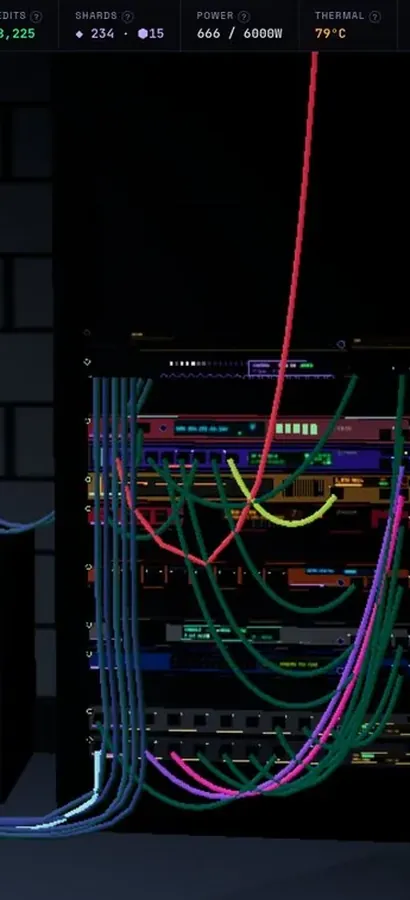
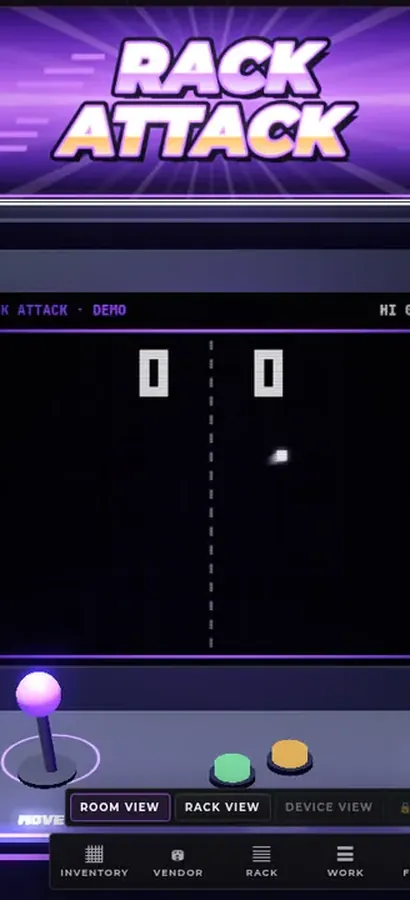
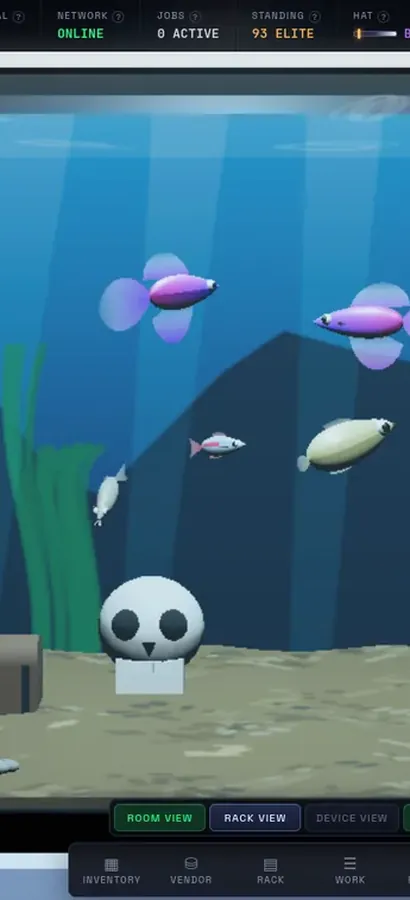
Now in 3D.
Silicon Pirates is a free server-rack simulator you play in your browser, and your lab is a 3D room now. Rack the hardware, run the cables, bring your network online, open every machine at the workbench, mine crypto and keep it all running. Nothing to install.
operator@rack-01:~$ rack status --all ▶ Play Silicon Pirates freeDesktop & mobile · free accountOur own game, not a sponsored ad. What is Silicon Pirates? →
How it works
Upload
Drop in a photo or video — it never leaves your browser.
Pixel Art or Hide Faces
Make retro pixel art, or pixelate faces for privacy.
Tune it
Set pixel size & palette, or auto-detect / draw over faces.
Download
Save your result as PNG (or animated GIF for video).
Why Pixelateme
100% private
Everything runs on your device — no uploads, no accounts.
Hide faces fast
Auto-detect faces or draw boxes to pixelate people & objects.
Retro palettes
Gameboy, NES & CGA looks with optional dithering.
Video → pixel GIF
Turn clips into animated pixel art with adjustable FPS.
How to pixel yourself in about ten seconds
Drop a photo of yourself into the box above and Pixelateme rebuilds it out of chunky square pixels. Drag the Pixel Size slider to decide how blocky you want to be, pick a palette, and download the result as a PNG. That is the whole process — no account, no credits, no watermark, and no waiting for an upload, because your picture is never sent anywhere. Everything happens inside this browser tab.
Picking a pixel size for an avatar
The single setting that decides whether a pixel portrait reads as “you” or as an unrecognisable smear is pixel size, and the right value depends on how much of the frame your face fills:
- A tight head-and-shoulders selfie — try 24–40px. Big enough to look deliberately retro, small enough that eyes and mouth survive.
- A half-body or group shot — go finer, around 12–20px, or your face will only be a handful of blocks across.
- Deliberately unrecognisable — push past 64px. At that point you are censoring rather than stylising, which is what the hide-faces tool is built for.
Crop before you pixelate, not after. A tightly cropped face gives the pixel grid more to work with, which is why avatars almost always look better than full scenes.
Palettes: Game Boy, NES, CGA or full colour
Full colour keeps your real skin tone and clothing and simply blocks them up — the safest choice for a profile picture people need to recognise. The Game Boy palette flattens everything into four shades of green for that 1989 handheld look. NES gives you 54 colours, enough for a recognisable portrait with a genuine 8-bit console feel. CGA’s 16 colours are harsher and more graphic. Turn dithering on and the tool scatters pixels between palette colours to fake extra shades, which helps enormously on faces where skin tone gradients would otherwise band into ugly stripes.
Pixel portraits, avatars and pixelated memes
Pixel-art portraits have their own small industry — commissioned pixel portraits, pixel-art profile pictures and services like the pixel-portrait studios people search for by name. Those produce hand-crafted art and take days. This does the automated version instantly and for nothing, which is the right trade when you need a profile picture, a Discord or Twitch avatar, a stream overlay, or a deliberately low-res pixelated meme to post. For a hand-drawn commission, an artist will still beat any converter — including this one.
Nothing you upload is uploaded
Selfies are personal, and most free “pixel me” sites take a copy of yours. This one cannot: the pixelation runs in JavaScript on your own machine, so the image never travels to a server, is never stored, and is never used to train anything. Load the page, turn off your Wi-Fi, and it still works.
Frequently asked questions
What does “pixel me” mean?
It is shorthand for turning a photo of yourself into pixel art — a portrait rebuilt from large square pixels, like a character in an 8-bit game. Drop a selfie in above and you will have one in a few seconds.
How do I pixel myself?
Upload a photo of yourself, drag the Pixel Size slider until it looks right, choose a palette (Game Boy, NES, CGA or full colour), and hit Download. The result saves as a PNG.
What pixel size works best for a profile picture?
For a close-up selfie, 24–40px usually reads best. For a wider shot, drop to 12–20px so your face still has enough blocks to be recognisable. Crop tight first — it makes a bigger difference than any other setting.
Is this the same as the pixel-portrait services people search for?
No. Those are commissioned, hand-made pixel art and take days. This is an instant automated converter that is free and runs in your browser. Different tools for different jobs — if you want a crafted portrait, hire an artist.
Can I make a pixelated meme with it?
Yes. Push the pixel size up, pick CGA or Game Boy for maximum retro damage, and download the PNG. It also works on video, which exports as an animated GIF — see pixelate a video.
Do you keep or upload my selfie?
No. Everything runs locally in your browser. Your photo is never sent to a server, never stored, and never used for anything else.
I actually want to hide my face, not stylise it.
Then use Blur or pixelate faces instead — it auto-detects faces and censors just those areas, leaving the rest of the photo sharp.
Does it work on my phone?
Yes. It works in any modern browser on desktop, iPhone and Android — the same page, the same features.
People also ask
Do free online pixelate tools upload and keep my photos?
Most of them do — they receive your file, process it on their servers and hand back a link, which means a copy exists on someone else’s machine, usually under terms that let them retain it. That is a poor trade when the reason you are pixelating is that the image shows something private. Pixelateme is built the other way round: the work is done by your own browser with the Canvas API, so nothing is transmitted. If you want to prove it, load this page, switch off your network, and it still works.
What is the difference between pixelate, blur and a mosaic?
“Pixelate” and “mosaic” are the same effect under two names: the area is divided into a grid and each cell is flattened to one average colour, giving hard-edged blocks. Blur instead smears each pixel into its neighbours, producing a soft smudge with no edges. Pixelation looks deliberate and is easier to judge at a glance, which is why it is the default for censoring faces; blur looks gentler and less like a redaction. Neither is safe for text.
Does pixelating an image reduce its quality or file size?
It destroys detail permanently — that is the point — but the exported file is not necessarily smaller. The pixel dimensions stay the same; only the content becomes blockier. As it happens, large flat areas of a single colour compress very well, so a heavily pixelated PNG often ends up smaller than the original. Keep your untouched original, because you cannot undo it from the export.
My photo went pixelated on its own and I want it fixed — can this help?
No, and it is worth being straight about that: this tool adds pixelation on purpose. If your picture went blocky by itself, the usual causes are a low-resolution original being displayed larger than its real size, a site re-compressing your upload, or generation loss from a file that has been saved and re-uploaded many times. The fix is to go back to the highest-resolution original you have and upload it at the size it will actually be shown — not to run it through an editor.
Is there a catch — a watermark, a sign-up, or a paid tier?
No. Every feature is free, there is no account, nothing is watermarked, and there is no resolution or export limit beyond the 15 MB input cap. The site is paid for by the ads you see, and a $5 donation turns those off for a year. That is the entire business model.