Turn photos into pixel art
Convert any image or video into retro pixel art with Game Boy, NES and CGA palettes plus dithering — free, right in your browser.
💜 Donate $5+ and we'll turn off all ads for a year 💜 Ad-free supporter mode — thank you!
ℹ️ Ads keep Pixelateme free — quick tips to get the most out of the site
Pixelateme has no paywall and no account system. The ads you see are what pay for the servers, so everything stays free with no sign-up. A few tips so they never get in your way:
- A sponsor tab or popup may open the first time you click or tap. Just close it and come back — your image is untouched, since everything happens right in your browser.
- The real controls are the ones in the editor above. Anything labeled “sponsored” is an ad, and no feature here ever requires clicking one.
- On ad pages, stay safe: if one claims “your download is ready”, asks you to install software, or requests personal details — just close it. Your finished image saves directly from this page (nothing is ever uploaded), and we never ask for personal info.
- Prefer no ads at all? Donate $5+ and ads switch off for a full year.
Drop an image or video
or browse files · max 15MB
LIVE PREVIEW
Drop a photo of people
or browse files · stays on your device
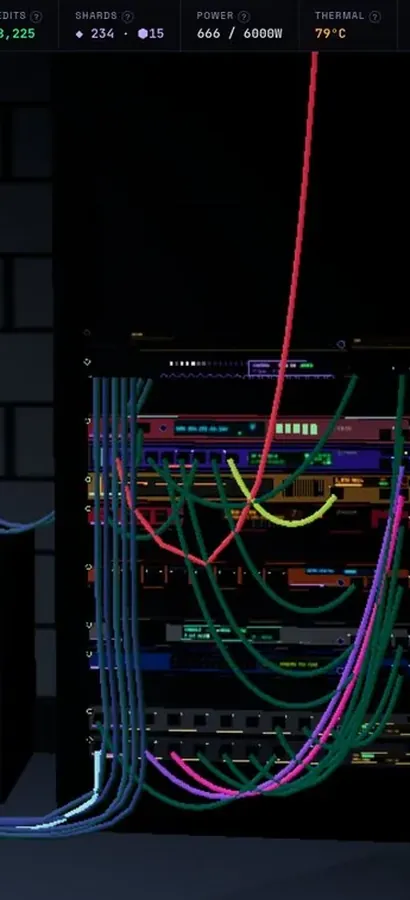
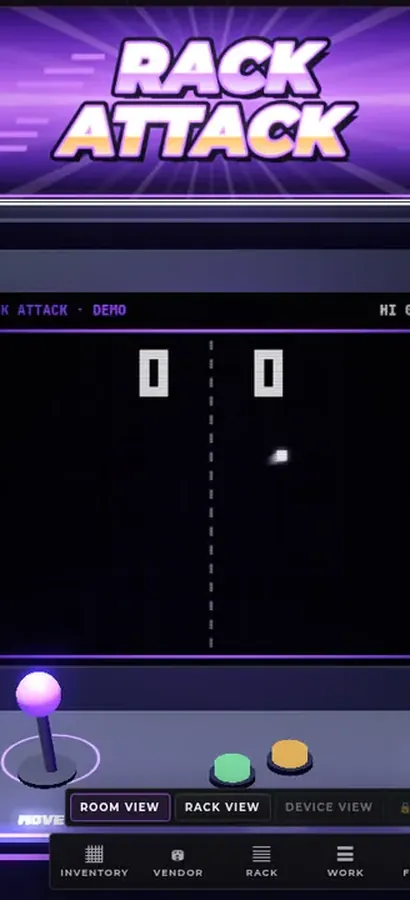
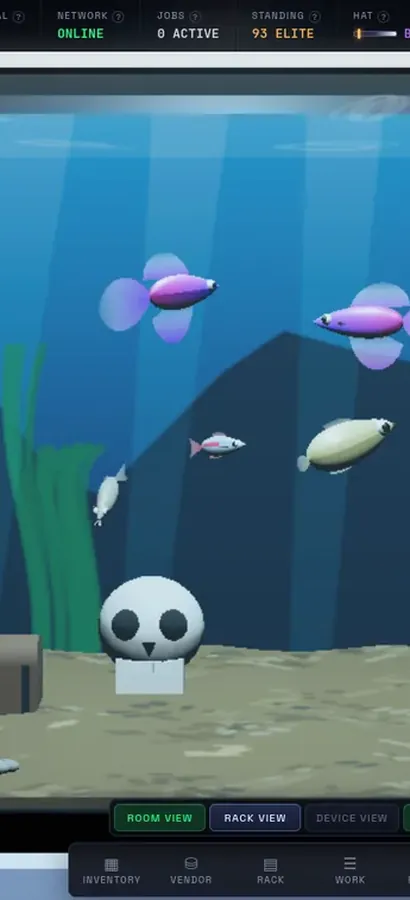
Now in 3D.
Silicon Pirates is a free server-rack simulator you play in your browser, and your lab is a 3D room now. Rack the hardware, run the cables, bring your network online, open every machine at the workbench, mine crypto and keep it all running. Nothing to install.
operator@rack-01:~$ rack status --all ▶ Play Silicon Pirates freeDesktop & mobile · free accountOur own game, not a sponsored ad. What is Silicon Pirates? →
How it works
Upload
Drop in a photo or video — it never leaves your browser.
Pixel Art or Hide Faces
Make retro pixel art, or pixelate faces for privacy.
Tune it
Set pixel size & palette, or auto-detect / draw over faces.
Download
Save your result as PNG (or animated GIF for video).
Why Pixelateme
100% private
Everything runs on your device — no uploads, no accounts.
Hide faces fast
Auto-detect faces or draw boxes to pixelate people & objects.
Retro palettes
Gameboy, NES & CGA looks with optional dithering.
Video → pixel GIF
Turn clips into animated pixel art with adjustable FPS.
Retro pixel art from any photo
Drop in a photo (or a short video) and Pixelateme converts it into genuine-feeling retro pixel art: choose your pixel size, pick a Game Boy, NES or CGA palette, and add dithering for that authentic 8-bit texture. Everything renders locally in your browser — no upload queues, no accounts, no watermarks. Save the result and use it anywhere.
The three settings that matter
Pixel size decides the resolution of the fake console you are pretending to render on. Large blocks read as more retro but destroy detail fast, so busy scenes need finer pixels than a single subject does. Palette decides the era: Game Boy’s four greens, the NES’s 54 colours, CGA’s harsh 16, or full colour if you only want the blocks and not the period. Dithering is what makes a restricted palette look intentional instead of broken — it scatters pixels between two available colours to fake a third, which is how the original hardware faked gradients. Turn it off and skies and skin tones band into flat stripes; leave it on for anything with a gradient.
What makes a good source photo
Pixel art is a subtraction process, so start with something that survives having most of its detail removed: strong shapes, clear separation between subject and background, and decent contrast. Close-ups beat wide shots. High-contrast lighting beats flat lighting. Busy backgrounds turn to visual noise the moment the pixel size goes up — crop them out first. If the subject is a person and you want a recognisable result, see Pixel Me for portrait-specific settings.
Video, and the rest of the toolkit
The same engine runs on video: drop in a clip and it pixelates every frame and exports an animated GIF, with a frame-rate slider to keep the file sensible — that is covered on the pixelate a video page. If you are here to censor rather than stylise, the face tool pixelates only the faces and leaves the rest of the photo sharp, and whole-image pixelation is one tab away.
Frequently asked questions
How do I turn a photo into pixel art?
Drop your image into the box above, set the pixel size, pick a palette, and download the PNG. Everything runs in your browser — nothing is uploaded.
What do the Game Boy, NES and CGA palettes do?
They restrict the image to that machine’s real colours — four greens for Game Boy, 54 colours for the NES, 16 for CGA. Full Color keeps the original colours and only enlarges the pixels.
What is dithering, and should I leave it on?
Dithering scatters pixels between two palette colours to fake a third, which is how old hardware faked gradients. Leave it on for photos — without it, skies and skin tones band into flat stripes.
What pixel size should I use?
Bigger blocks look more retro but destroy detail. Close-up subjects tolerate 32–64px; busy or wide scenes usually need 12–24px to stay readable.
Can I convert a video to pixel art?
Yes — drop in a clip and it exports an animated pixel GIF, with a frame-rate slider. See pixelate a video.
Is it free, and is there a watermark?
Completely free, no sign-up, and nothing is watermarked.
Are my images uploaded?
No. Conversion happens locally in your browser, so your files never leave your device.
People also ask
My photo went pixelated on its own and I want it fixed — can this help?
No, and it is worth being straight about that: this tool adds pixelation on purpose. If your picture went blocky by itself, the usual causes are a low-resolution original being displayed larger than its real size, a site re-compressing your upload, or generation loss from a file that has been saved and re-uploaded many times. The fix is to go back to the highest-resolution original you have and upload it at the size it will actually be shown — not to run it through an editor.
Does pixelating an image reduce its quality or file size?
It destroys detail permanently — that is the point — but the exported file is not necessarily smaller. The pixel dimensions stay the same; only the content becomes blockier. As it happens, large flat areas of a single colour compress very well, so a heavily pixelated PNG often ends up smaller than the original. Keep your untouched original, because you cannot undo it from the export.
Do free online pixelate tools upload and keep my photos?
Most of them do — they receive your file, process it on their servers and hand back a link, which means a copy exists on someone else’s machine, usually under terms that let them retain it. That is a poor trade when the reason you are pixelating is that the image shows something private. Pixelateme is built the other way round: the work is done by your own browser with the Canvas API, so nothing is transmitted. If you want to prove it, load this page, switch off your network, and it still works.
What is the difference between pixelate, blur and a mosaic?
“Pixelate” and “mosaic” are the same effect under two names: the area is divided into a grid and each cell is flattened to one average colour, giving hard-edged blocks. Blur instead smears each pixel into its neighbours, producing a soft smudge with no edges. Pixelation looks deliberate and is easier to judge at a glance, which is why it is the default for censoring faces; blur looks gentler and less like a redaction. Neither is safe for text.
Is there a catch — a watermark, a sign-up, or a paid tier?
No. Every feature is free, there is no account, nothing is watermarked, and there is no resolution or export limit beyond the 15 MB input cap. The site is paid for by the ads you see, and a $5 donation turns those off for a year. That is the entire business model.